Toronto Premium Outlets AI Soccer Cards
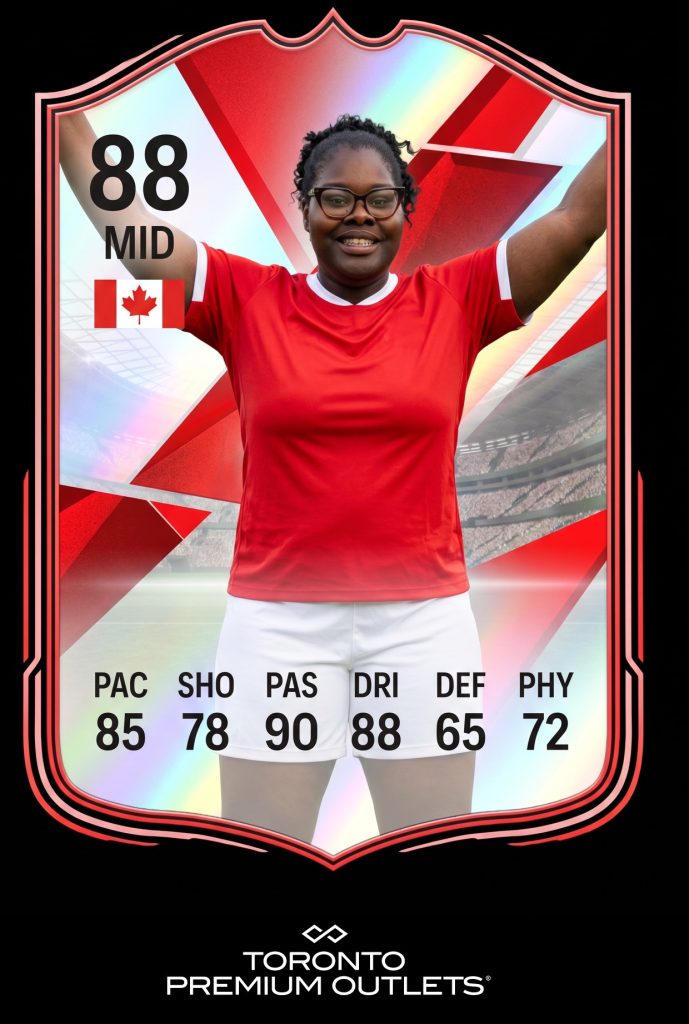
At Toronto Premium Outlets, we turned guest portraits into AI soccer player cards. In the finished example, the guest appears in a red jersey in a stadium scene. A shield-shaped border, a Canadian flag and a row of football-style ratings give the image the look of a collectible. The outlet’s logo sits below the card. For Ottawa and Gatineau retail planners, this is an example of how an AI photo booth can give shoppers a recognizable character to step into and a branded image to take away.
Show the result before asking shoppers to stop
A person walking through a shopping centre may have only a moment to decide whether to join an activation. The finished player card explains the concept quickly. The jersey and stadium establish the sport, and the position and ratings signal that the person in the picture is being cast as a player. A sample like this can be more useful at the entrance than a sign that simply promises an AI experience. It tells the guest what they are being invited to become.
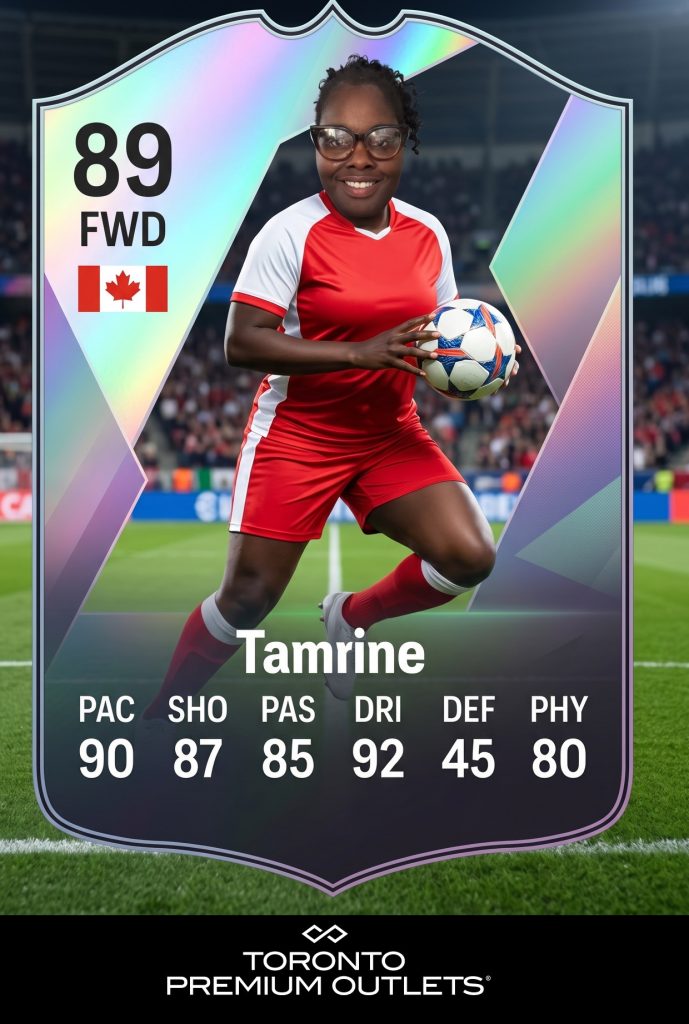
For your own retail campaign, choose an example that shows the entire result at a glance. Check whether the guest can recognize the scene from the main walking route. Leave enough space for someone to look at the sample without committing to the queue. If your audience includes both French and English speakers, keep the invitation easy to understand and let the image do as much of the explanation as it can.
Separate the visual transformation from the card design
The AI treatment gives the portrait a new setting and wardrobe. The card layout gives that portrait its meaning. The two parts need to work together. If a pose extends to the edges, for example, check where the flag and player details will sit so they stay readable. If you want the portrait to occupy most of the card, reserve a consistent strip for the brand, as the example does with the Toronto Premium Outlets mark.
The ratings belong to the artwork. They are decorative player-card details. When you build a similar experience, decide which parts of the card should be consistent and which, if any, guests should choose. Ask to review a few different proof images before the event. A card that looks balanced with one pose may need a different crop when someone lifts both arms or stands at a different angle. Review the proofs on a phone as well as on the design screen.
Plan a retail booth around the guest’s next step
Start with the floor plan and the times when shoppers are most likely to stop. The sample display and queue should leave through traffic clear. Decide where the portrait happens and where a guest can review or receive their card. If the output takes time to render, explain how people will know it is ready. Set expectations at the start so guests can decide whether the experience fits their visit.
Decide how the card will travel after capture. A digital image needs to stay legible on a phone. If you also want a printed piece, check the crop and colour on paper before the event. Ask about a matching gallery or delivery message if the campaign identity needs to carry through to the handoff. The examples on this page show the finished creative from the Toronto Premium Outlets gallery.
Planning an Ottawa or Gatineau retail launch, sports promotion or shopping-centre event? Send us your campaign artwork, floor plan and an example of what guests should walk away with. We can help you choose the portrait concept and card layout for a branded AI photo booth activation.
Plan your AI photo booth activation
Share your campaign date, venue and creative brief.